Guides
AI Meal Planning: Eat Better, Waste Less, Spend Less
Use AI to build weekly meal plans from what's in your fridge, generate grocery lists, and cut food waste — free chatbot prompts and the best 2026 apps.
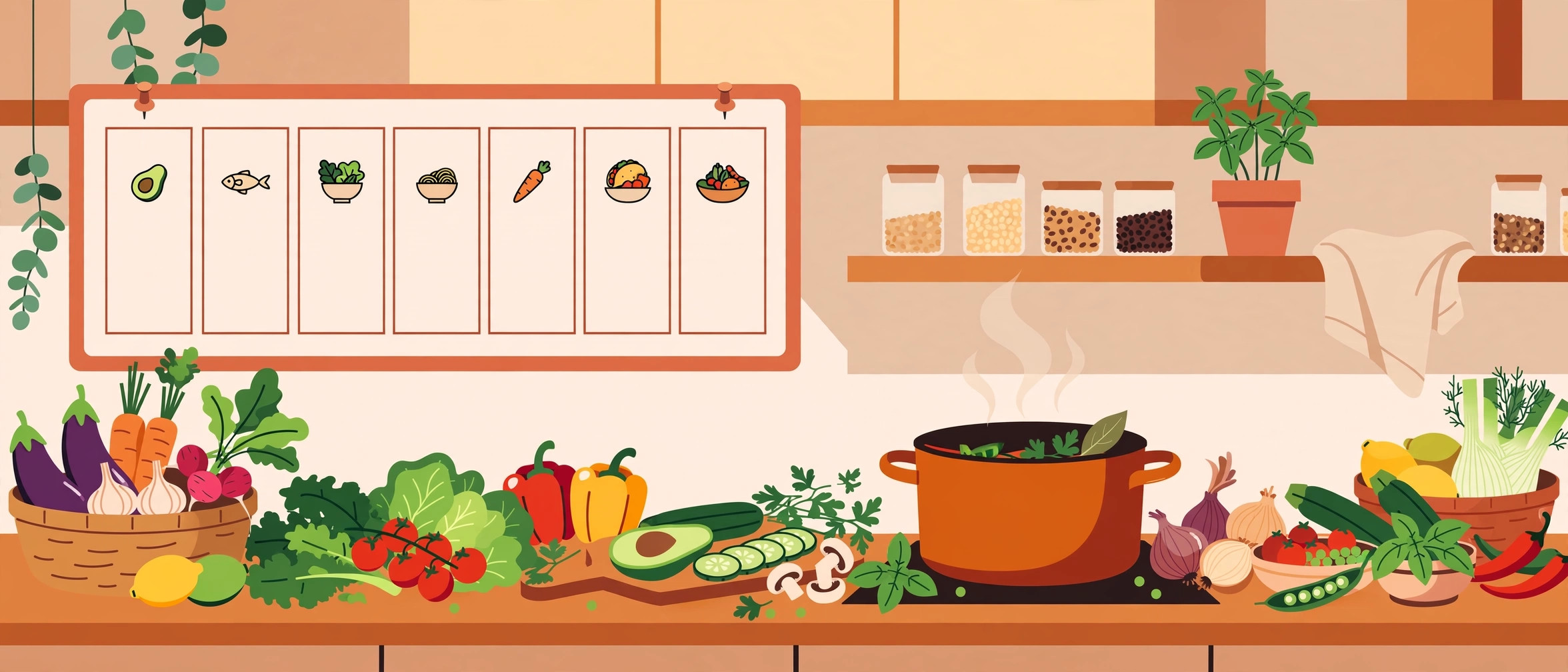
Yes, AI can plan your meals — a free chatbot can turn what's in your fridge into a week of dinners in about two minutes. The catch: a chatbot writes you a plan as text, and then you still have to copy it into a calendar, build the shopping list, and remember your pantry on Wednesday. That last-mile grind is where most AI meal plans quietly fall apart.
The good news is there are two good ways to do this in 2026: use a general chatbot (ChatGPT, Gemini, or Perplexity) with a well-built prompt, or use a dedicated meal-planning app that does the plan, the list, and the pantry tracking in one workflow. This guide covers both, plus the money math — because the real payoff is spending less on groceries and throwing away less food.
The free starting point: a chatbot and a good prompt
For most people just getting started, the free tier of a general chatbot combined with a well-crafted prompt is the simplest entry point. The prompt matters more than the tool. A vague request like "plan my meals" gets you generic recipes you will never cook. A specific prompt gets you a plan you can actually shop from. Include these in your request:
- Household facts: how many people, ages, and who eats what (picky eaters, vegetarians, allergies)
- Constraints: total budget for the week, how much time you want to cook per night, kitchen equipment you actually have
- Ingredients to use up: list what's in your fridge that needs eating
- Output format: ask for a 7-day plan with one recipe per night, a consolidated grocery list sorted by store section, and prep notes for anything that can be done Sunday
Here is a prompt template you can copy and adapt:
Plan 7 dinners for 2 adults and 1 picky 7-year-old. We need to use up: chicken thighs, bell peppers, rice, and a half-gallon of milk. Budget: $80 for the week. Weeknight cooking time: 30 minutes max, with an air fryer and one sheet pan. Give me: 1) the 7-day plan with brief recipes, 2) a grocery list sorted by store section that excludes what I already listed, 3) one thing I can prep Sunday that serves two meals.
Which chatbot to use? ChatGPT's free tier is strongest at creative cuisine variety, Gemini's Deep Research mode is best at reasoning about ingredient overlap across multiple meals, and Perplexity tends to cite real food blogs and regional recipes. Any of the three will handle a good prompt well — the differences are refinements, not dealbreakers.
When a chatbot is not enough: dedicated apps
The pattern is simple: general chatbots are inspiration tools; dedicated meal planners are workflow tools. A dedicated app remembers your dietary profile, keeps your pantry state, auto-generates the grocery list from the weekly plan, and handles mid-week swaps without you re-explaining your household. If you plan to do this every week, an app pays for itself in decision fatigue alone.
| App | Best for | Price |
|---|---|---|
| Recipy | Best overall: pantry-aware planning, family swaps, Instacart checkout | Free tier with full features |
| FoodiePrep | Calendar-based planners; strong AI plan generation | Free limited tier; paid plan around $5/month |
| Eat This Much | Macro and calorie targets (150g protein, 2,000 calories) | Free basic tier; Premium around $9/month |
| Plan to Eat | Importing recipes you already love; shared family calendars | Around $5.95/month |
| Paprika 3 | Recipe organizers who want a one-time purchase | Around $4.99 one-time |
| Prepear | Free planning with an auto-generated grocery list | Free tier available |
Prices and features shift, so confirm the current plan page before subscribing — and note that two long-time names are gone or going: PlateJoy was discontinued in 2025, and Mealime has announced it will shut down on October 21, 2026, so do not build your weekly routine on it.
The fridge-to-table weekly workflow
Whichever tool you use, the workflow that actually sticks is the same. It takes about 20 minutes once a week:
- Inventory (5 minutes). Open the fridge and list what's in it — especially anything that expires within days. A dedicated app keeps a running pantry list so this gets faster over time.
- Generate the plan (5 minutes). Feed the inventory, your budget, and your constraints into your chatbot or app. Ask for meals that share ingredients (the chicken thighs in Monday's tacos become Wednesday's soup) — this is the single biggest waste-reducer.
- Check the grocery list (5 minutes). Pantry-aware apps flag what you already own and exclude it from the list. With a chatbot, ask it to exclude your inventory list explicitly.
- Shop once (your normal trip). One consolidated list means one trip, and far fewer impulse buys.
- Sunday prep (optional, 30 minutes). Ask your plan to include one prep item that serves two meals — cooked grains, marinated protein, or chopped vegetables that work across two nights.
Feeding picky eaters and dietary needs
This is where AI genuinely earns its keep. Instead of cooking two separate dinners, give the tool per-eater profiles: "one adult is gluten-free, the 7-year-old refuses anything green." Dedicated apps like Recipy and FoodiePrep support member-level dietary rules and will swap or adapt individual portions. In a chatbot, paste the same per-person constraints into every prompt — chatbots do not remember them between conversations.
You can also paste a recipe you already love and ask for adaptations: make it dairy-free, lower sodium, or scaled from 4 servings to 2. For most restrictions this works well — but for severe food allergies, AI should never be your only line of defense. Always verify ingredients against official labeling guidance and your allergist's advice, and treat the AI as a time-saving assistant, not a final authority on what is safe to eat.
How this actually saves money
The savings come from two places: less waste and fewer duplicate purchases. The USDA estimates that food waste runs 30-40% of the food supply and costs the average household over $1,500 per year. Pantry-aware planning attacks that directly — matching recipe ingredients against what you already have, planning ingredient overlap across the week, and generating a list that does not double-buy the olive oil you forgot was in the cupboard. One planned weekly shop also cuts the impulse-heavy mid-week trips that quietly inflate grocery spending.
What to watch out for
- Portions and cooking times need a sanity check. AI recipes occasionally under- or over-season, or give cooking times that assume a different oven. Treat the first cook of any AI recipe as a test run.
- Prices change; ingredients do not care. If you asked for a budget plan, re-check current grocery prices before treating the budget number as gospel — the AI's sense of what things cost is stale.
- Free tiers are enough to test. Start with a chatbot's free tier or a free app tier for two or three weeks before paying for anything. If the workflow sticks, then subscribe.
- Do not trust AI alone with medical nutrition. Diabetic meal plans, renal diets, and allergy-safe cooking need a dietitian's input. AI drafts; a professional signs off.
The bottom line
Start with a free chatbot and the prompt template above — it costs nothing and works this week. If you are still planning with AI in a month, graduate to a dedicated app so the grocery list, pantry, and calendar stay in sync automatically. The plan you will actually follow beats the perfect plan every time.
FAQ
Can ChatGPT make a meal plan?
Yes — ChatGPT writes a solid meal plan as text, but it cannot act on it: you still copy meals into a calendar, build the shopping list, and track ingredients yourself. A dedicated app does all of that in one workflow.
Do meal planning apps really save money on groceries?
Mostly through cutting waste and duplicate purchases. Pantry-aware apps match ingredients against what you already own, and ingredient-overlap planning means less food expires uneaten. The USDA puts household food waste at over $1,500 per year, so even a partial cut pays for any app many times over.
What is the best free AI meal planning option?
A free chatbot tier with a detailed prompt is the easiest free start. Among dedicated apps, Prepear's free tier and Recipy's free tier are solid options — Recipy's free tier includes pantry-aware planning and an Instacart grocery checkout.