Guides
Is AI Safe? What Beginners Should Know About Privacy and Trust
A plain-English safety guide for beginners: what never to share with AI chatbots, how your chats are used, scam defenses, and settings worth changing.
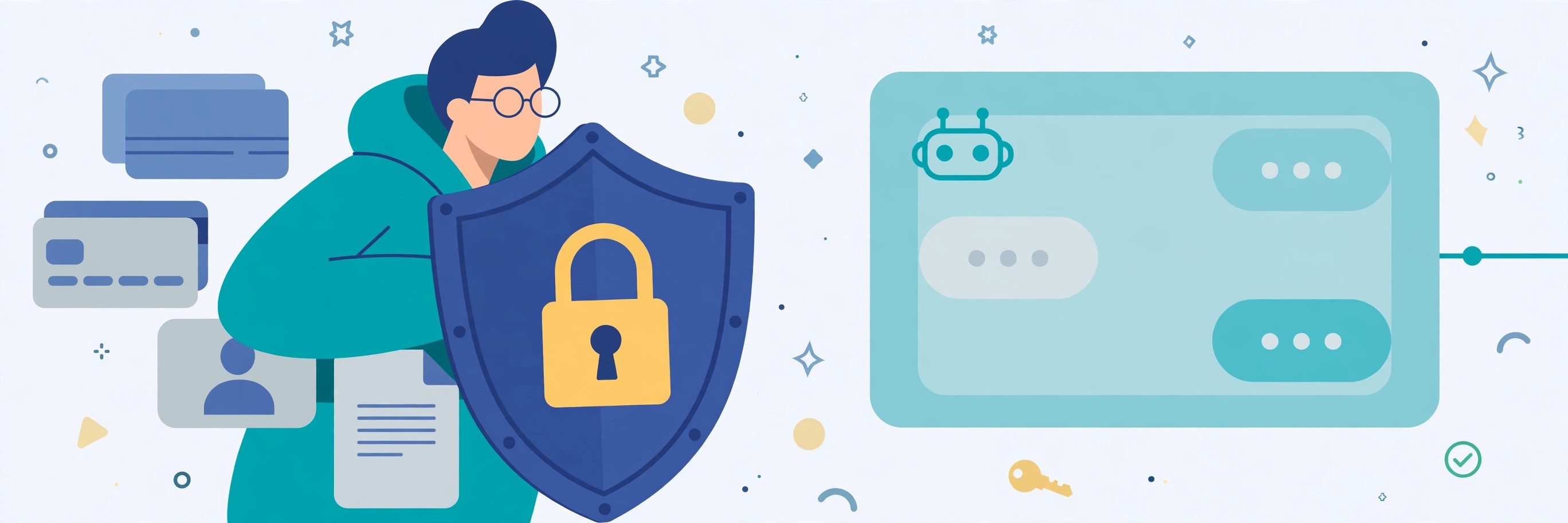
Is AI safe? For everyday use, the honest answer is: mostly yes, as long as you treat a chatbot like a public noticeboard rather than a private diary. The chatbots themselves are not out to get you, but what you type is stored on company servers, may be reviewed by people, and in some cases may be used to improve the company's models. Used with a few simple habits, AI is a safe and genuinely useful tool. Used carelessly, it can leak exactly the details you would never post publicly.
This guide covers the real risks in plain language — what happens to your chats, what you should never share, how to spot AI-made scams, and the settings worth changing once — so you can use AI with confidence instead of worry.
What actually happens to what you type
When you send a message to a chatbot, it leaves your device and goes to the company's servers. The company stores the conversation, at least for a while. Some companies use conversations to train future models unless you opt out; others review a sample of chats for safety and quality. Either way, your words are not just between you and the screen.
That does not mean someone is reading your grocery list with interest. It means you should assume anything you type could be stored, and could in principle resurface — in a data breach, in a shared chat link you forgot about, or in training data. The practical rule follows from that: if you would not email it to a stranger or pin it to a public board, do not type it into a chatbot.
What you should never share
Some things should never go into a chatbot, on any plan, paid or free:
- Passwords, PINs, and login details. No legitimate service will ever ask for these in a chat window, and a chatbot cannot keep them safe.
- Financial details. Bank account and card numbers, balances, investment statements, tax documents, and routing numbers. Keep money questions general: "explain how a Roth IRA works" is fine; "review my portfolio statement" is not.
- Government ID numbers. Social Security numbers, passport numbers, driver's license numbers, and similar identifiers are the raw material of identity theft.
- Health records. Lab results, diagnoses, prescriptions, and medical histories. AI is not a doctor, and health details in a chat log are a privacy risk you cannot take back.
- Other people's private information. A friend's address, a coworker's salary, a child's school details — they did not agree to share it, and you should not share it for them.
- Confidential work material. Unreleased company documents, client data, and trade secrets. Many employers have rules about this, and breaking them can be a firing matter.
When you do need help with something sensitive, strip the details first. Replace names with "Person A," remove addresses and account numbers, and ask about the general situation instead of your specific case. You will usually get just as good an answer.
Hallucinations: when AI sounds sure and is wrong
Chatbots sometimes produce answers that sound authoritative but are factually wrong — invented citations, wrong dates, non-existent statistics, even fake legal cases. This is called hallucination, and it is the most common way AI causes real harm to ordinary users: not through malice, but through confident error.
The defense is simple: verify anything you plan to act on. Check medical, legal, and financial claims against a trusted source or a professional. Check prices, opening hours, and reservations before you book or buy. For casual tasks — brainstorming, drafting, explaining — an error costs little. For decisions with consequences, the chatbot is a starting point, never the final word.
Scams are getting harder to spot — AI is why
The same technology that writes your emails can write a scammer's phishing message, clone a voice from a short audio clip, or generate a realistic video of someone you trust. A few defenses still work well:
- Verify through a separate channel. If you get an urgent call, video, or message asking for money or sensitive action, hang up and call the person directly on a number you find yourself — never the number in the suspicious message.
- Set a family code word. Agree on a word that only your family knows, for emergency requests. A cloned voice will not know it.
- Be skeptical of urgency. "Act now or else" is the scammer's favorite tool, with or without AI. Real emergencies rarely arrive by unsolicited message.
- Limit public audio and video of yourself. Clips posted publicly can be used to train a voice clone. You do not need to go silent online, but think twice about posting long, clear recordings.
Shared chat links are a quiet leak
Most chatbots let you share a conversation with a link. That link works like a key: anyone who has it can read the whole chat. In October 2026, researchers found thousands of share links from one major AI assistant that could be found publicly, some containing loan applications and business figures. Share links only for chats with nothing sensitive in them, and delete old shared links in your chatbot's settings when you are done with them.
Settings worth changing once
Five minutes in settings buys lasting peace of mind:
- Turn off training on your chats. Most chatbots offer a data control or privacy setting that stops your conversations from being used to improve their models. The exact menu varies by app, so look under Settings, Privacy, or Data Controls.
- Use temporary or incognito chats for sensitive topics. These keep a chat out of your history and usually out of training. They are not fully private — the company may still retain them briefly for safety checks — but they reduce exposure.
- Delete old conversations regularly. A smaller history is a smaller target if your account is ever compromised.
- Log out on shared computers. A chatbot account left open on a library or family computer is an open door to your chat history.
- Use a strong, unique password and two-factor authentication on your chatbot account, like any other account that holds personal information.
One honest caveat: no setting makes a cloud chatbot truly private. Every message still leaves your device, opting out is not the same as zero retention, and deleted does not always mean gone. The settings reduce risk; they do not erase it. That is why the "never share" list above matters more than any toggle.
What about kids and AI?
Children should not use chatbots unsupervised. Chatbots can produce age-inappropriate content, give wrong homework answers with total confidence, and collect whatever a child types. If your child uses AI for schoolwork, sit with them at first, teach them the same "never share" list, and check the school's rules — many schools have their own policies on AI use for assignments.
A safe daily habit
You do not need to memorize this guide. Keep one rule and it covers most situations: before you hit send, ask whether you would be comfortable if that message appeared on a public noticeboard. If yes, send it. If no, strip the details or leave it out. Everything else — the settings, the scam defenses, the verification habit — is backup for that one rule.
The bottom line
AI is not inherently dangerous, and it is not inherently private either. It is a powerful tool run by companies that store what you type. Use it for everyday tasks, keep sensitive details out of it, verify anything important, and check the settings once. With those habits, you get the benefits without handing over the parts of your life that should stay yours.