Guides
How to Use AI to Learn Any New Skill Faster
Turn any free AI chatbot into a personal tutor: 20-hour plans, self-quizzing, learning ladders, the Feynman loop, and project-based practice — with copy-paste prompts.
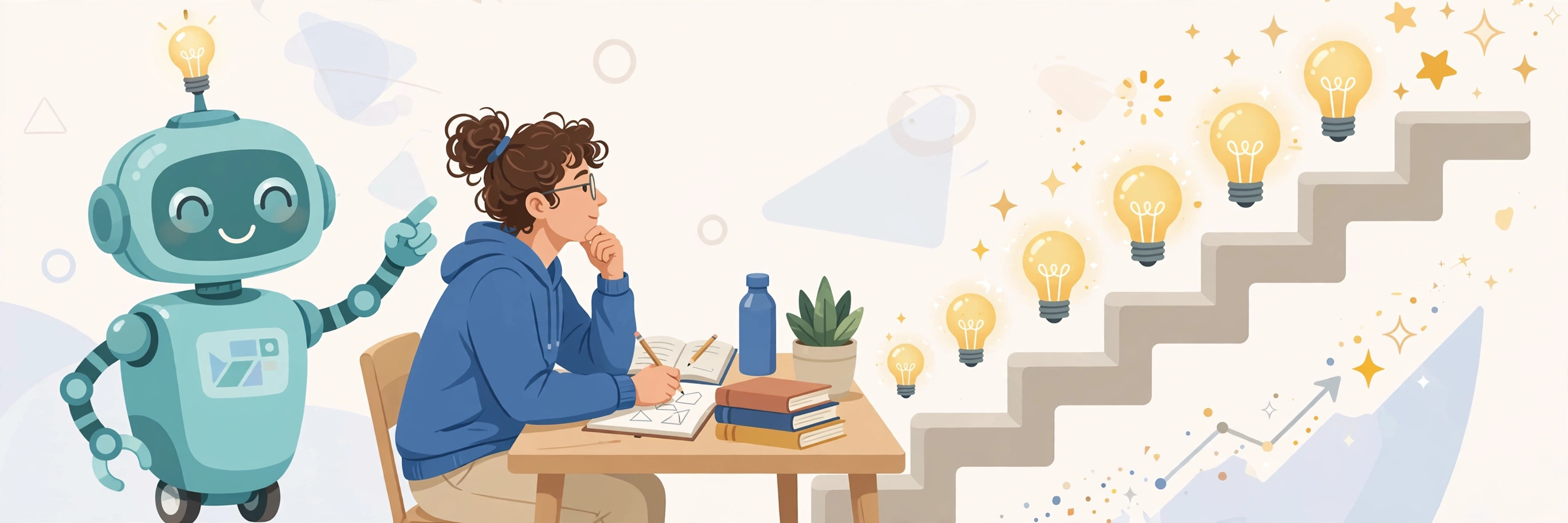
Asking an AI chatbot a question is easy. Learning something from it is not. Most people use AI like a search engine — ask, skim, move on, remember nothing a week later. But a chatbot can also be a tutor, a quizmaster, and a practice coach if you change the way you prompt it. This guide shows you how to turn any free AI assistant into a personal tutor for learning anything: a language, a professional skill, a school subject, or a hobby.
The techniques below are borrowed from learning science, not from AI marketing. Spaced retrieval practice, the Feynman technique, and deliberate practice are well-studied ways humans learn — AI just makes them easier to run, because the tutor is available at 11pm and never gets tired of your questions.
Start with the 20-hour plan
Josh Kaufman's well-known idea — that the first 20 hours of deliberate practice take you from nothing to reasonably good at most skills — works better with an AI planner. Ask for a focused roadmap instead of wandering through tutorials:
"I want to learn [skill]. Build me a 20-hour plan focused on the 20% of concepts that drive 80% of results. Break it into 10 two-hour sessions, each with one concrete practice task and a short review at the end."
Then add the most important follow-up: "Which 3-4 ideas unlock everything else? Show me those first." Most subjects have a small set of core ideas that make the rest intelligible. Finding them early saves you weeks of wandering through random resources.
Make the AI quiz you, not the other way around
Reading creates the illusion of progress. Testing reveals what you actually know. This is the single biggest difference between using AI for answers and using it for learning — and it costs nothing to switch:
"I just studied [topic]. Ask me 10 progressively harder questions. After each answer, grade me, explain what I missed, and reteach only that part. Do not move on until I get one right."
The "reteach only that part" instruction matters. Without it, the AI tends to dump everything again, and you end up re-reading instead of re-learning. Active recall — pulling the answer out of your own head — is what builds durable memory.
Build a learning ladder
Beginners plateau because they learn randomly, with no sense of what "good" looks like at each stage. Ask your AI tutor to define the map:
"Break [skill] into 5 levels, from total beginner to advanced. For each level, tell me what I must be able to do, what milestone proves I am ready to move up, and one hands-on test to check myself."
When you finish a level's test, describe what you did and ask the AI to judge whether you cleared it. This gives you something courses rarely do: an honest checkpoint system that adapts to your actual pace instead of a fixed syllabus.
Use the Feynman loop
Physicist Richard Feynman's technique is simple: if you cannot explain something simply, you do not understand it yet. AI makes this loop easy to run:
"I am going to explain [topic] in my own words. Stop me the moment I get unclear or wrong, ask one question that exposes the gap, reteach that piece, then make me explain it again. Repeat until my explanation is clean."
This is humbling and fast. Most people discover within minutes that they "knew" something only well enough to recognize it — not to explain it. The loop keeps going until recognition turns into real understanding.
Set the tutor's rules before you start
Out of the box, AI assistants give answers. A tutor asks questions first. Set that expectation explicitly at the start of a learning chat:
"Act as a patient tutor, not an answer machine. Before explaining anything, ask me what I already know. Do not give me the full answer right away — make me think first, then guide me toward it."
This single prompt changes everything about the interaction. You can save it as a custom instruction (most chatbots support these) so every learning session starts in tutor mode. For deeper projects, ChatGPT's Projects or Claude's equivalent let you attach a trusted course or book chapter and keep the tutor context across sessions.
Learn by building, not by watching
For hands-on skills — coding, writing, design, a language, music — have the AI structure project-based learning:
"Teach me [skill] by building real things. Give me a beginner project, an intermediate project, and an advanced project. For each: what I will learn from it, the most common beginner mistakes, and how to tell when it is done well."
Then use the AI as a reviewer of your actual work: "Here is what I made. Critique it like an expert reviewer — what is solid, what is wrong, and what is the one thing to improve next." Reviewing real work is where the deepest learning happens, and it is the thing AI tutors do best because they have infinite patience for your drafts.
Cut the resource noise
The internet has unlimited learning resources, which is its own problem. Before you collect bookmarks, ask:
"List the 5 most valuable resources (books, videos, courses) for learning [skill] fast. Explain why each is worth my time, when to use it, and what popular resources I should ignore."
That last part — what to ignore — is the valuable half of the answer. Learning stalls when attention is split across eight half-finished courses. Pick one primary resource and let the AI tutor do the rest.
What AI tutoring is bad at
Be honest about the limits so you do not build bad habits:
- It can sound certain and be wrong. AI tutors occasionally teach confidently wrong facts, especially in math-heavy or fast-changing subjects. Cross-check key facts against a trusted source, and treat the AI as a practice partner rather than an authority.
- It cannot watch you practice physical skills. For instruments, sports, or hands-on crafts, a real teacher or coach watching your form is irreplaceable. Use AI for theory and practice planning, not technique correction.
- It rewards chatting over doing. The point is not more tutoring sessions — it is more practice. If you are spending an hour talking to the tutor for every ten minutes of practice, flip the ratio.
- It has no stakes. Real tests, real projects, real people who see your work create pressure that makes learning stick. Ask the AI to set deadlines and hold you to them, but also find something real to aim at: a project shipped, a conversation held, a test taken.
Bottom line
The difference between asking an AI and learning from one is structure: a 20-hour plan, regular quizzes instead of re-reading, a ladder with checkpoints, the Feynman loop for real understanding, and projects instead of tutorials. Set the tutor's rules once, run the same small set of prompts every session, and spend most of your time practicing — not chatting. That is the whole system, and it works on the free tier.
Frequently asked questions
Can AI really replace a paid course?
For many subjects, an AI tutor plus one good book matches what a course provides, because the key advantages are personalization and unlimited practice — not lecture quality. Where courses still win is community, accountability, and certified credentials. If you need the certificate, take the course.
Which AI assistant is the best tutor?
Claude, ChatGPT, Gemini, and Copilot all handle the prompts above well. The differences matter less than the prompting: any of them becomes a far better tutor once you tell it to quiz you and make you think first instead of handing you answers.
How fast can I realistically learn a skill with AI?
The 20-hour framework is a reasonable benchmark for reaching a working level in a focused skill — good enough to use it, not expert. Deep mastery still takes months of practice. AI compresses the research and feedback loops; it does not replace the practice itself.
Next: for better prompts in every context, see How to Write Better AI Prompts.